![Whipcord Edge Horizontal logo 2021-2.png]](https://kb.whipcord.com/hs-fs/hubfs/Whipcord%20Edge%20Horizontal%20logo%202021-2.png?height=40&name=Whipcord%20Edge%20Horizontal%20logo%202021-2.png)
Go to Backup Infrastructure -> Service Providers.
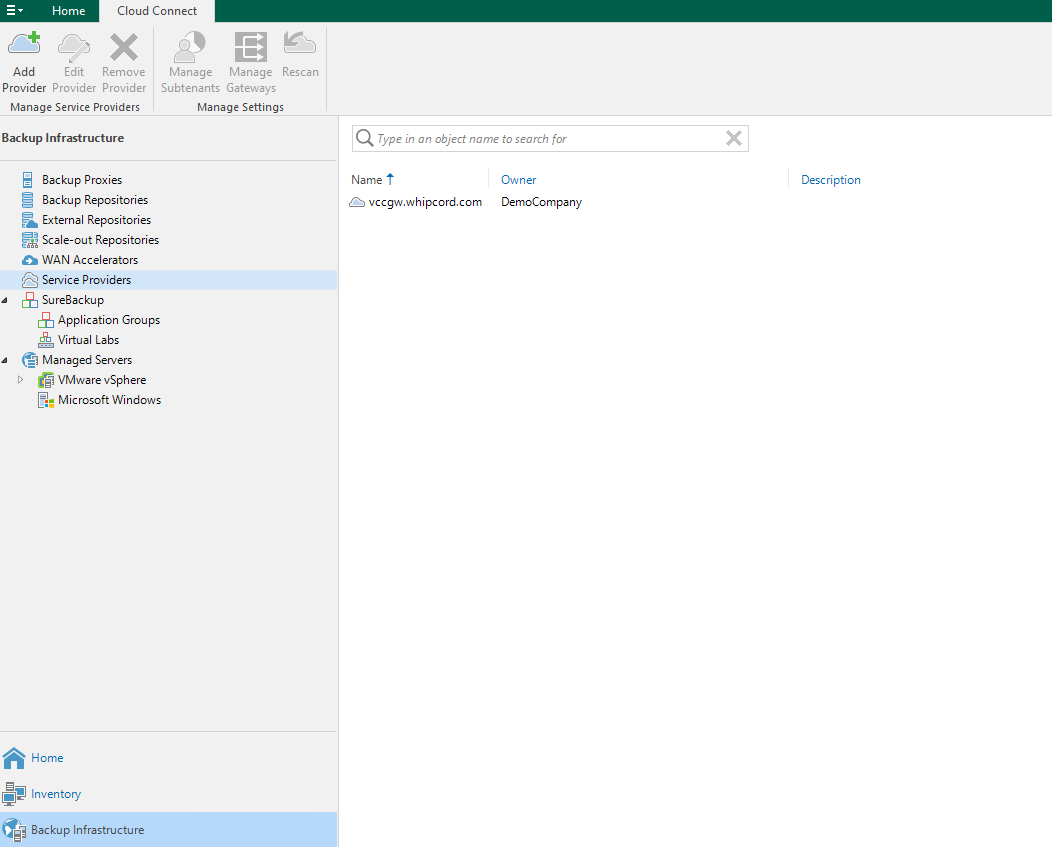
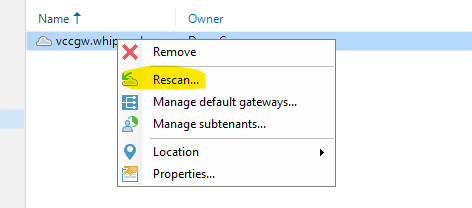
Right click the entry you see there (vccgw.whipcord.com) and select Rescan...
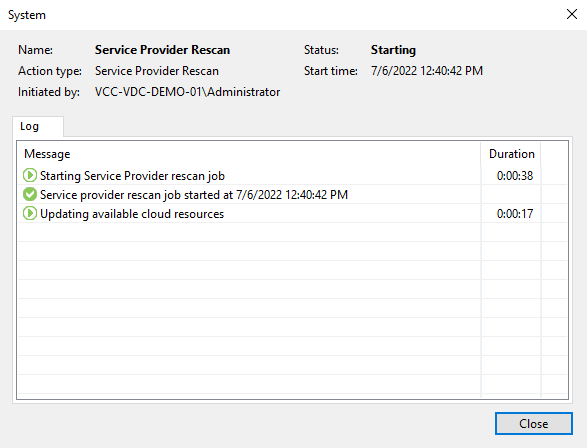
This will initiate a Service Provider rescan job. This rescan will often take between 1-10 minutes.
Once the service provider rescan is completed, please also rescan any repositories provided by our service.

Final Thoughts
It never hurts to rescan us as a service provider and any of the corresponding repositories. Occasionally the local Veeam database on our customer's side can get out of sync with the backups and database on our side. A rescan will make sure everything is synced between customers and us to ensure Veeam operates effectively!