Adding a server or workstation to your backups with Whipcord is quick and easy! Follow the below instructions.
Step 1:
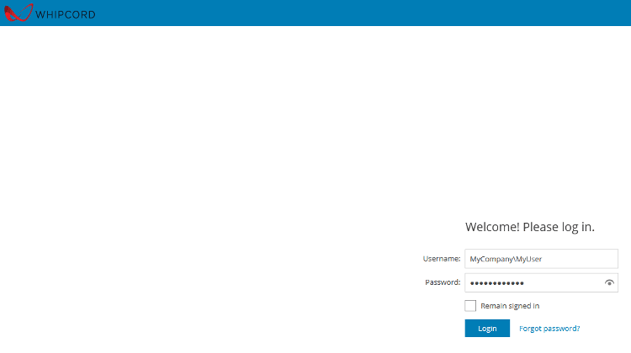
Log into the VSPC (linked below). The username and password will be sent to you by Whipcord when you sign up.
You can change the password once you log in
Note: When signing into the VSPC, you must use the Company\Username format.
Step 2:
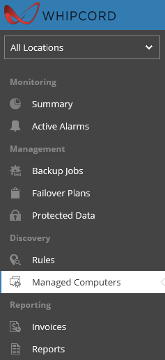
Select "Managed Computers"
Step 3:
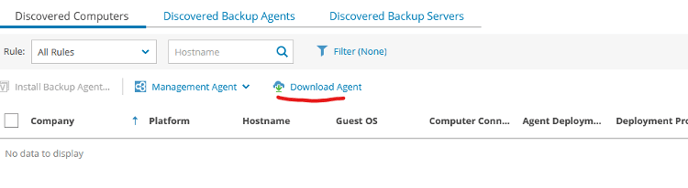
Select Download Agent
Step 4:
Download the agent to your system of choice.
Step 5:
Install the Management agent (simply click next and finish).
Step 6:
Point the management agent to our Veeam Cloud Gateways
Cloud gateway: vccgw.whipcord.com
Username: The username provided when you sign up.
Password: The password provided when you sign up.
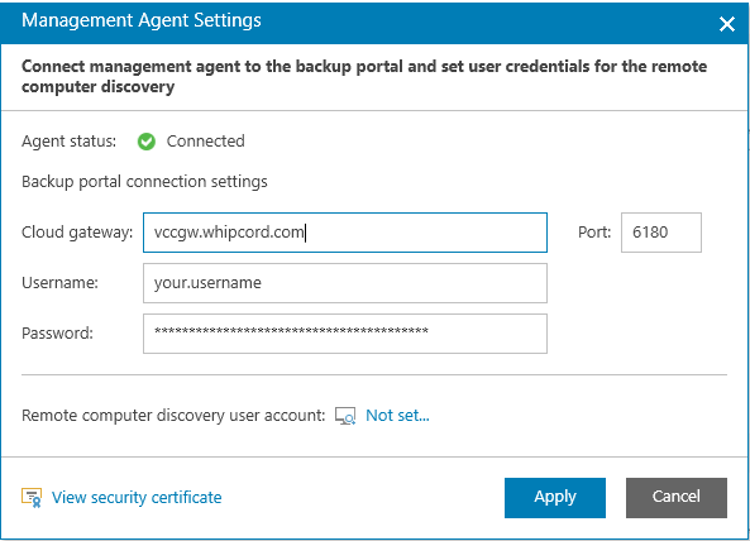
Once that is installed and configured, give it a few minutes. It will show up under "Discovered Computers"
Step 7:
Once you see it there, you can select it and click "Install Backup Agent"
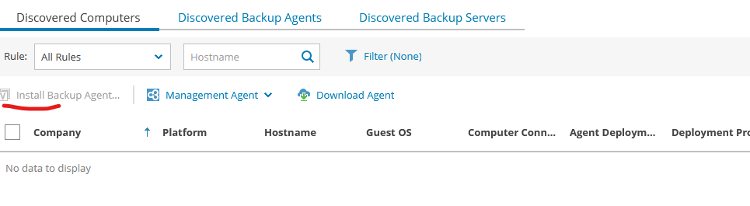
Once the agent is installed, you can switch to the "Discovered Backup Agents" tab

Step 8:
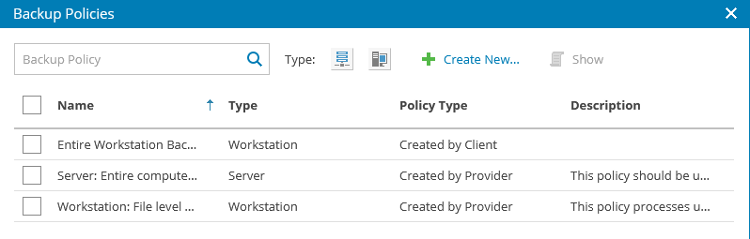
Configure a backup policy.
From here you can assign an existing backup policy, or create a new one.